Custom fonts aren't loaded

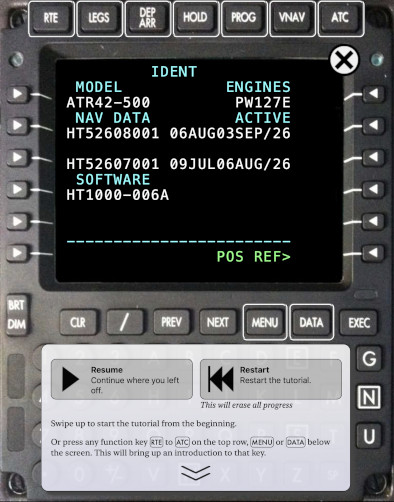
The screen looks terrible!

The tutorials have custom fonts that look as close as possible to the real FMS.

If your iPad is in “Lockdown Mode” then the custom fonts won't display.

Yours truly, the developer of the FMS tutorials, also uses “Lockdown Mode.”
  1. Open the Settings app.
  2. Tap Privacy & Security
  3. Under Security, tap Lockdown Mode.
  4. Tap Configure Web Browsing
  5. Make sure the HT1000 GNSS entry is disabled. It should look like:
Back to Support
